

 See My Latest Article on HelloNation
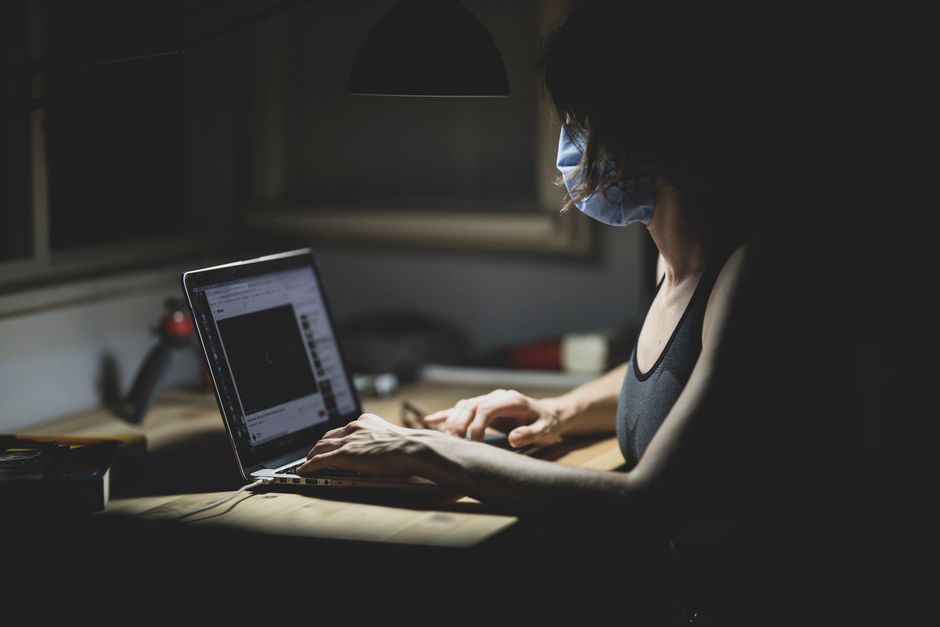
What Causes Eye Strain for People Working from Home?
Frequent use of digital devices at home can overwork the eyes, especially when screens are viewed for extended periods without breaks. Most local residents use laptops, desktops, tablets, or phones in a less formally designed workspace than a traditional office, making eye strain more common. This discomfort can present as tiredness, dryness, blurred vision, or even headaches.
Several factors lead to this problem:
- Long screen use without breaks
- Poor lighting conditions (too dim or too harsh)
- Glare from windows or overhead lights
- Viewing screens at awkward angles or distances
- Unadjusted screen brightness settings
- Using improper eyewear while working
These issues are common in area households, where workspace lighting can fluctuate seasonally—brighter in summer, dimmer in winter.
How Can Screen Settings Minimize Eye Discomfort?
Adjusting monitor settings is a practical way to lessen eye strain during work hours at home.
A few recommended changes include:
- Lower screen brightness to a level roughly matching surrounding light
- Increase text size to reduce squinting
- Adjust contrast to make text easier to read
- Choose warmer color temperatures (reducing blue light emission)
- Enable "night mode" or "reading mode" whenever possible, as these modes are often gentler on the eyes
Monitors should be positioned so that the top of the screen is at or just below eye level, about arm’s length away. Placing the display closer or at a steep angle increases eye effort, especially for reading small text.
Do Lighting Conditions in Homes Affect Eye Strain?
Yes, lighting plays a major role, and home setups are often less ideal than commercial offices.
Bright, overhead lights or sunlight reflecting on screens can create glare, which makes eyes work harder to focus. Conversely, working in low light can increase strain due to high screen contrast against a dark background.
Consider these local-adapted lighting tips:
- Use curtains or blinds to control natural sunlight, especially in rooms facing east or west
- Position desks perpendicular to windows to minimize glare
- Supplement natural light with adjustable desk lamps that diffuse light evenly
- Replace harsh overhead bulbs with softer, indirect lighting
Kenosha’s seasonal changes mean lighting conditions shift throughout the year, so residents may need to adjust window coverings or lamp placement as daylight hours lengthen or shorten.
What Habits Help Protect Eyes During Work-From-Home Days?
Integrating healthy visual routines offsets a lot of digital eye strain. One reliable method is the 20-20-20 rule: every 20 minutes, look at something at least 20 feet away for 20 seconds. This simple exercise relaxes the eye muscles.
Additional habits supportive of visual health in home work environments:
- Blink often, especially during intense screen focus, to keep eyes moist
- Stand up and move periodically to refresh circulation
- Schedule brief breaks away from all screens—phones included
- Clean screens regularly to prevent viewing distortion from dust or smudges
- Avoid working in bed or on reclined surfaces, as poor posture may contribute to eye and neck discomfort
Some local residents forget to take breaks during focused tasks, so setting a timer or using reminder apps can help maintain these habits.
Are Dry Eyes a Common Issue, and How Can They Be Prevented?
Dryness is a frequent complaint, particularly during winter when indoor heating reduces humidity in many area homes. Prolonged staring at screens also lowers blink rate, worsening symptoms.
To alleviate or avoid dryness:
- Use a humidifier in the workspace during cold months or when heating is on
- Keep hydrated with regular water intake
- Consider using preservative-free artificial tears if dryness remains bothersome
- Set up computer screens slightly below eye level, as this encourages more complete blinking
If symptoms become persistent and disrupt daily activities, it may signal an underlying condition that should be discussed with a licensed eye care provider.
Is Special Eyewear Necessary for Remote Work?
For most people, regular prescription glasses suffice if well-matched to their needs. However, those who spend many hours on digital devices might benefit from lenses designed to block or filter blue light, reduce glare, or sharpen contrast.
It’s common to see misleading claims about blue light and eye health; there is mixed scientific evidence regarding its impact. However, some users feel less fatigue when wearing glasses with anti-reflective or blue-light filtering coatings. For individuals who experience eye fatigue despite other measures, discussing lens options with an optometrist can be worthwhile, but eyewear is just one piece of the solution.
What Myths or Misconceptions Do Residents Often Have?
Some believe that screen time alone causes permanent damage to vision, but eye strain itself is usually temporary and doesn’t result in lasting harm if addressed. Another misconception is that natural sunlight from windows is always beneficial—while light is good, unmanaged glare often increases discomfort.
There’s also a habit of relying on smartphone or tablet screens for all work tasks, but larger displays placed at correct distances tend to reduce strain.
How Can Parents Help Children Lower the Risk of Eye Fatigue While Learning Remotely?
Children are susceptible to digital eye fatigue, especially with remote learning. Parents can encourage:
- Regular breaks during screen activities
- Outdoor play when weather permits, given that outdoor focus exercises the eyes
- Setting up desks with proper lighting and ergonomics
- Limiting recreational screen time during off-hours, replacing it with reading printed materials or offline activities
Many area households found that implementing simple rules and providing a comfortable, distraction-free workspace helped kids avoid eye discomfort during recent periods of increased remote instruction.